Hello, you are using an old browser that's unsafe and no longer supported. Please consider updating your browser to a newer version, or downloading a modern browser.
Hello, you are using an old browser that's unsafe and no longer supported. Please consider updating your browser to a newer version, or downloading a modern browser.
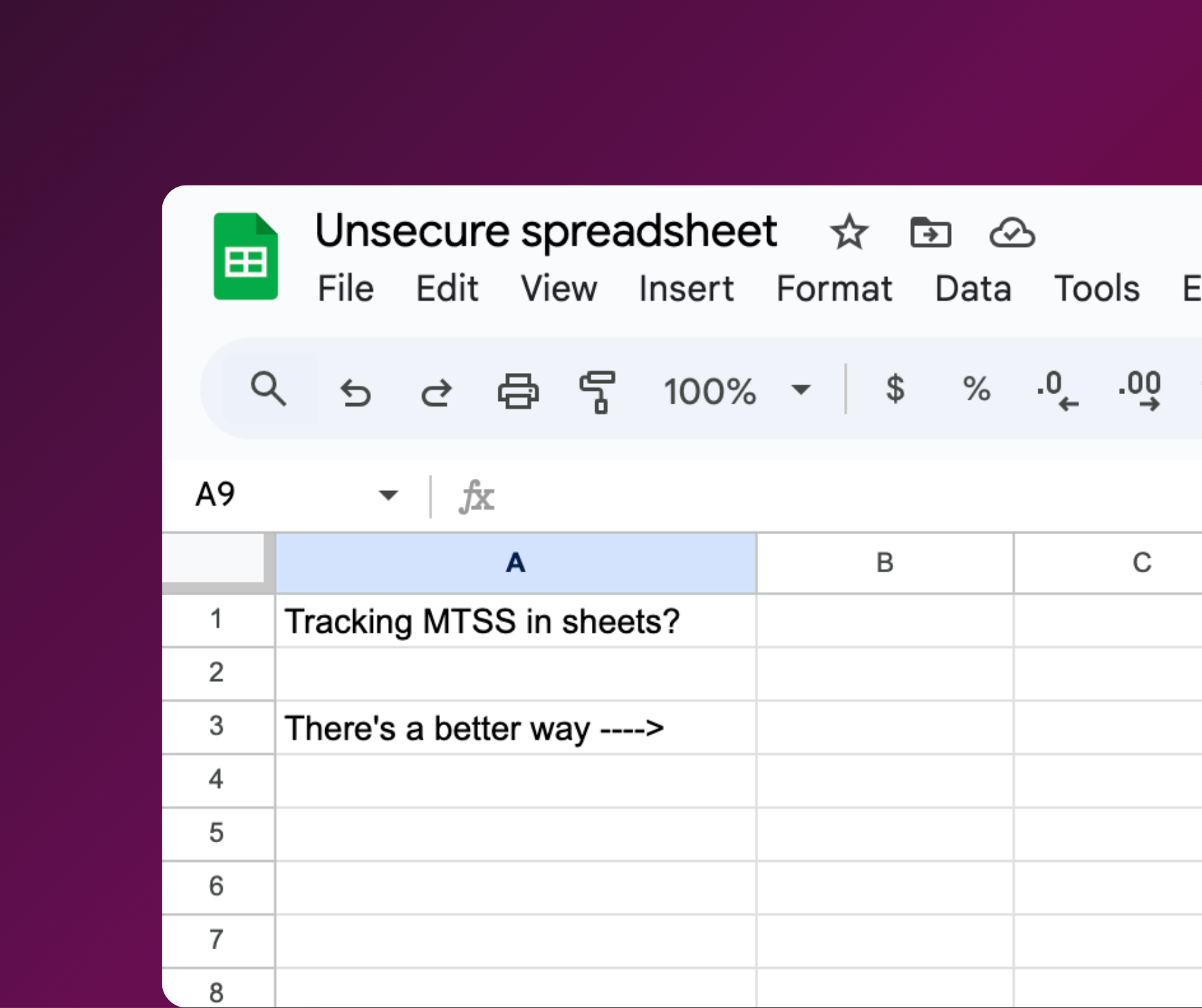
When Assistant Superintendent Gina Marie Frasca Ed.D., and her team at Pinelands Regional SD began refining their MTSS (Multi-Tiered System of Supports) process, they found a familiar problem: their data lived everywhere. Teachers were documenting student supports in a fragmented mix of different Google spreadsheets and forms, leaving the district in a state where…
“Information was everywhere, but hard to access.”
Interventions were happening in classrooms, but without a centralized system, it wasn’t always clear when a strategy was working or if the student needed to be elevated for additional services. This created a massive documentation void; families lacked visibility into their child’s long-term progress, and district leaders struggled to see a clear, building-wide picture of student health.
Instead of adding more tools or complicated steps, Pinelands chose to consolidate. Since the district was already partnering with OnCourse for their SIS (Student Information System) and Special Education, it made strategic sense to bring MTSS into that all-in-one system.
[Pinelands Regional School District in Ocean County, NJ serves students in grades 7–12 across two public schools: a junior high and a high school. In 2023-2024, the district served ~1,500 students]
Before integrating their SIS and MTSS, data lived in silos, slowing down the process to deliver timely interventions. Gina Frasca, Assistant Superintendent, noted that when students were referred to the Child Study Team (CST), the documentation simply wasn’t there.
“It was very hard to kind of extract all the work that was done—if the work was done,” she explained.
The shift began with a simple question from the intervention team: “Can’t we just have a tab in OnCourse SIS that we could just click on and start to put everything in one place?”. Pinelands saw consolidating MTSS into their SIS as the logical next step to make interventions a native part of the teacher’s workflow.
By integrating MTSS with their SIS , they ensured student history became a permanent asset rather than a temporary file. Now, when a student moves from the junior high to the high school, the interventionist doesn’t have to “ask that teacher anything” or hunt for a shared Google folder. They simply drop down a menu to see years of progress monitoring and historical data.
With time-saving adjustments made to the workflow of MTSS, staff have shifted their focus to the high-value work of analyzing data, not collecting it. These features include: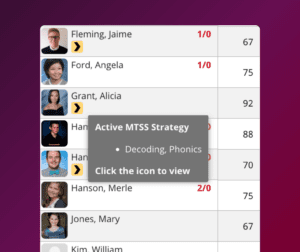
MTSS indicator within the OnCourse Gradebook.
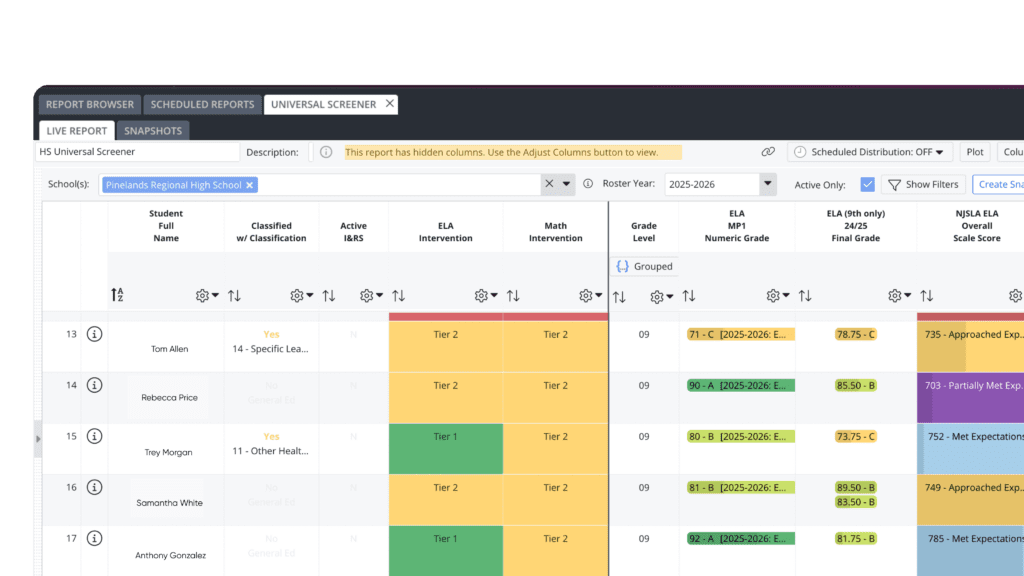 Universal Screener dashboard in OnCourse Multiple Measures
The biggest barrier to any new school initiative is the “One More Thing” fatigue—the feeling that every new tool is just another weight on a teacher’s already overflowing plate. The Pinelands leadership team knew that for MTSS to succeed, it couldn’t feel like an addition; it had to feel like a replacement for a broken process.
The most profound shift occurred in the transition to Intervention and Referral Services (I&RS) and the Child Study Team (CST). In many districts, special education is where the “clerical drain” is most intense, as teams scramble to find proof of prior interventions.
Now, when a student at Pinelands is referred, the team doesn’t start from scratch. “We have mountains of documentation of what we’ve already done,” the team shared. This allows the district to move forward immediately rather than “wasting as much time going back and forth”.
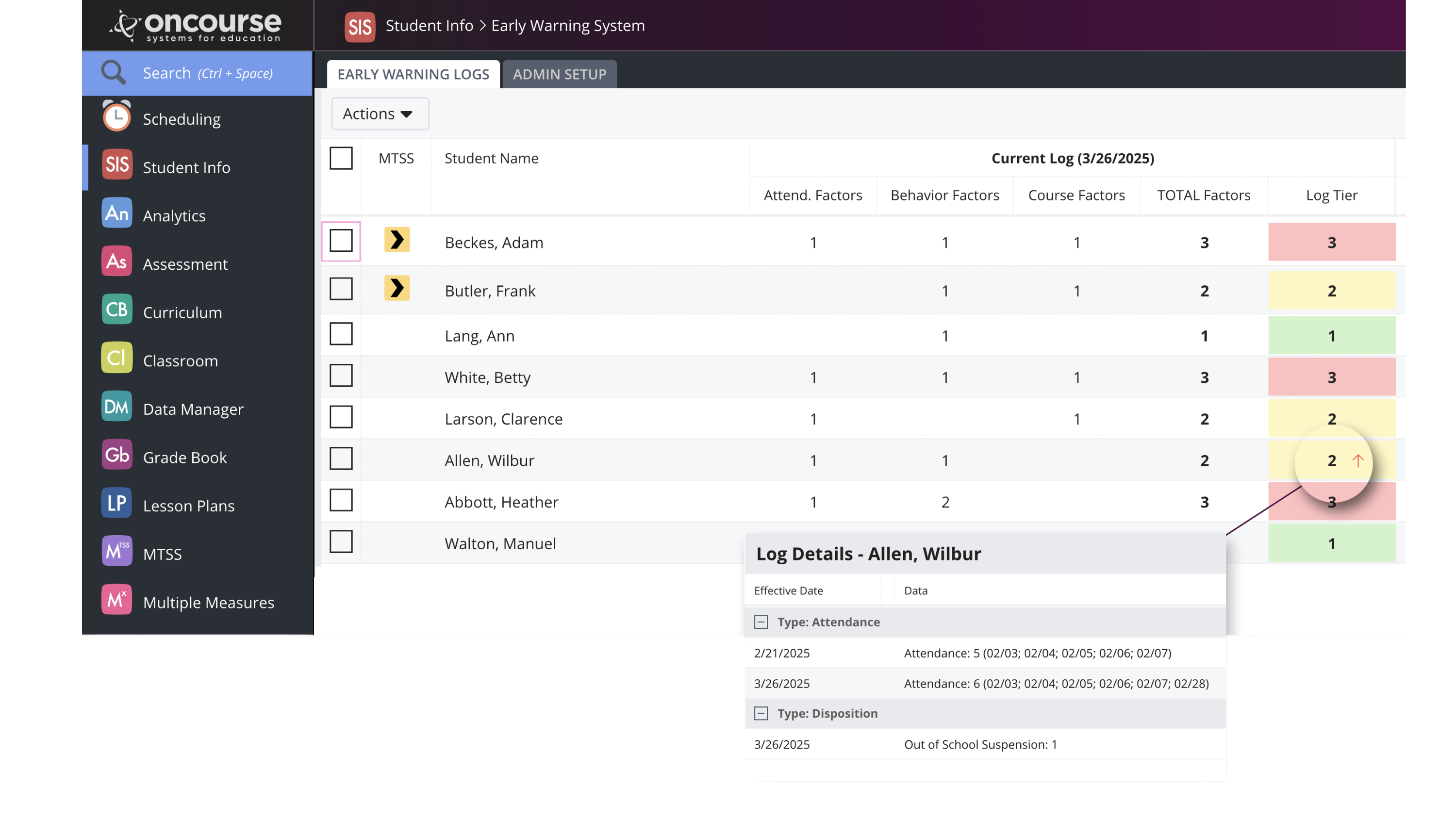
The Early Warning System (EWS) within the SIS allows them to flag non-academic issues like “absenteeism, behavior, or social-emotional concerns” before they become a crisis. Instead of waiting until November for the first round of data to be analyzed, they can initiate supports “day one” in September.
Ultimately, the Pinelands transition proved that when data lives where teachers work, student support becomes a permanent asset rather than a temporary file. By ensuring documentation follows the student across grade levels, vital supports are never lost in transition, and no student is left to slip through the cracks of a fragmented system.
This shift has not only saved staff countless hours of clerical hunting but has fundamentally changed the nature of their professional dialogue: “It’s really allowing the conversations to be data focused and data centralized and not just observational and theoretical.”
Interested in learning more about OnCourse MTSS? Schedule a meeting with Rebecca or watch the video below!